- How To Check Warzone Server Status
- Current Warzone Server Status
- Troubleshooting Warzone Connection Problems
Call of Duty: Warzone boasts a massive player community with diverse content ranging from Battle Royale modes to Resurgence maps and the coveted Mastery Camo progression. However, server connection issues can quickly disrupt this exciting gameplay experience.
Like most online multiplayer games - especially those hosting large player lobbies simultaneously - server outages are particularly frustrating. Here's how to monitor Warzone's server status and stay informed.
Updated January 14, 2025 by Max Candelarezi: Server disruptions often follow Warzone updates, potentially causing crashes or matchmaking failures. Identifying whether issues stem from servers or local connections is crucial. This guide now includes a dedicated server status section following recent matchmaking problems caused by a minor patch that either blocked access to game modes or extended queue times.
How To Check Warzone Server Status
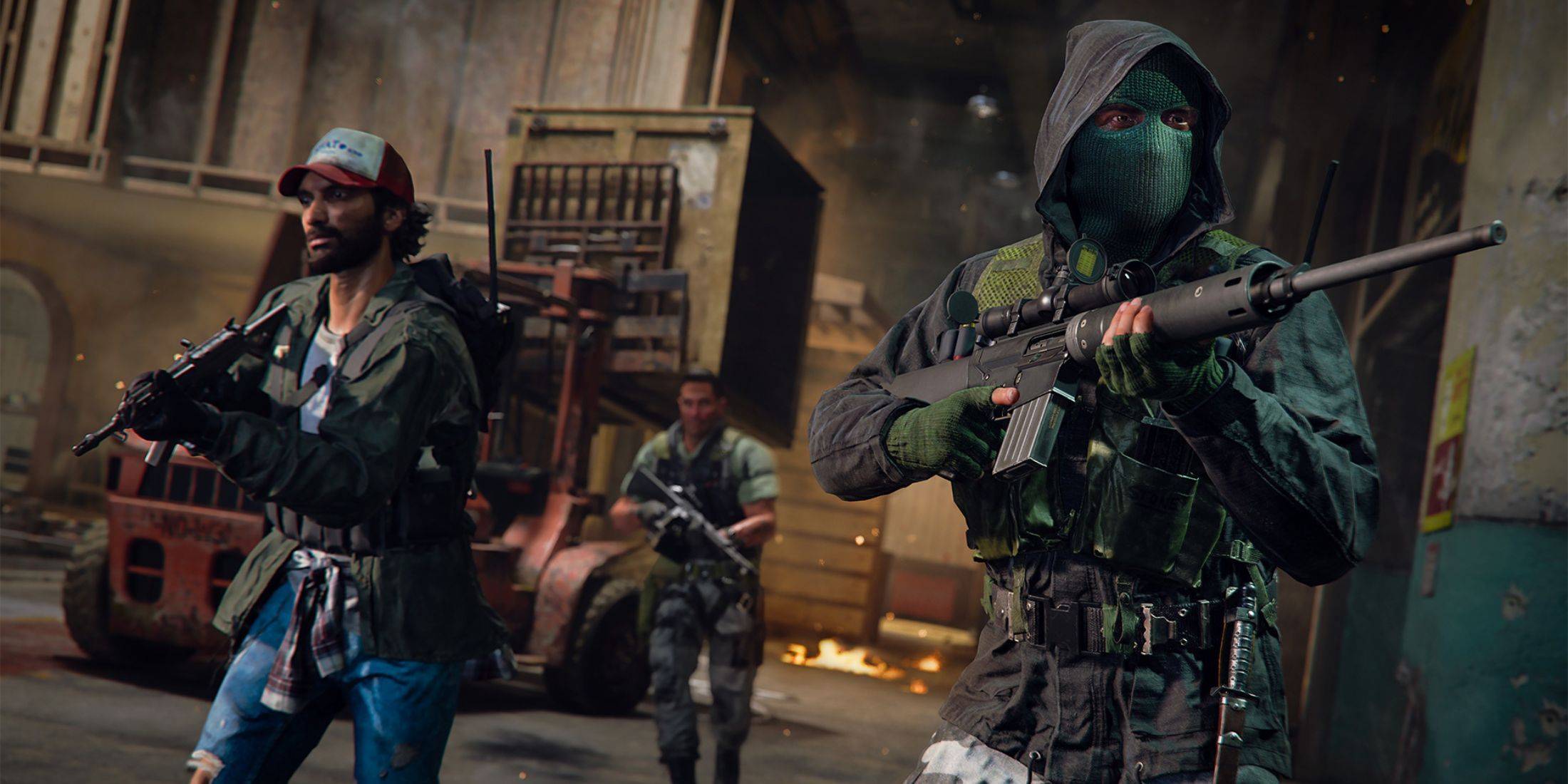
Multiple reliable methods exist to verify Warzone server status and identify potential solutions:
Activision Support Status Page
Activision's Support Online website offers the most direct way to check server status across all Call of Duty titles, including Warzone. The platform provides real-time updates about server conditions, maintenance schedules, and specific issues.
COD Updates Social Channels
The official COD Updates Twitter/X account serves as Activision's primary communication channel for reporting issues, errors, updates, and maintenance schedules affecting Warzone and other CoD games.
Current Warzone Server Status
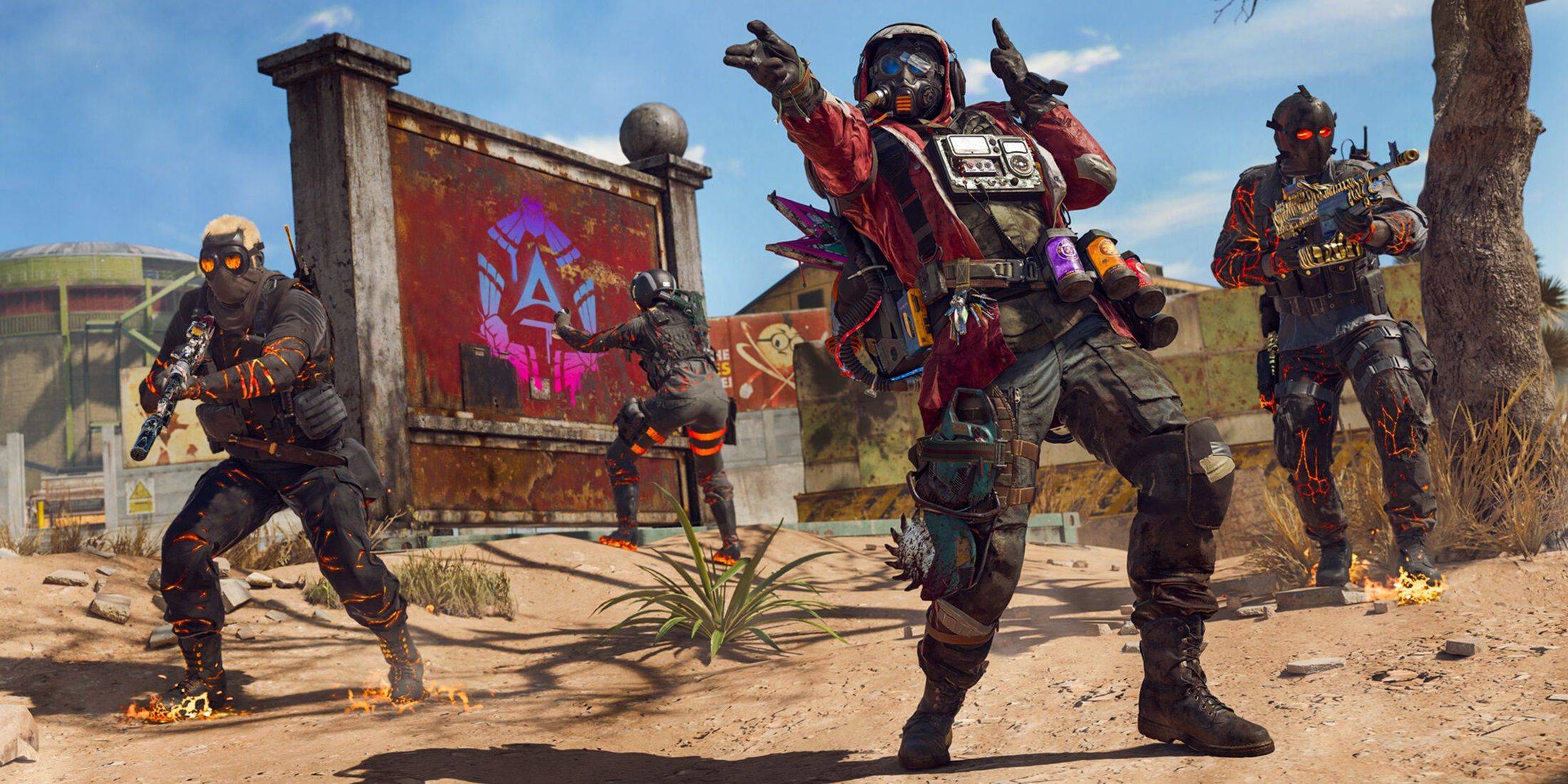
As of January 13, 2025, Warzone servers are fully operational. Developers quickly resolved matchmaking issues caused by that day's patch update, which initially prevented players from joining matches. The COD Updates account confirmed these temporary matchmaking delays were resolved within hours, with additional fixes implemented.
Troubleshooting Warzone Connection Problems
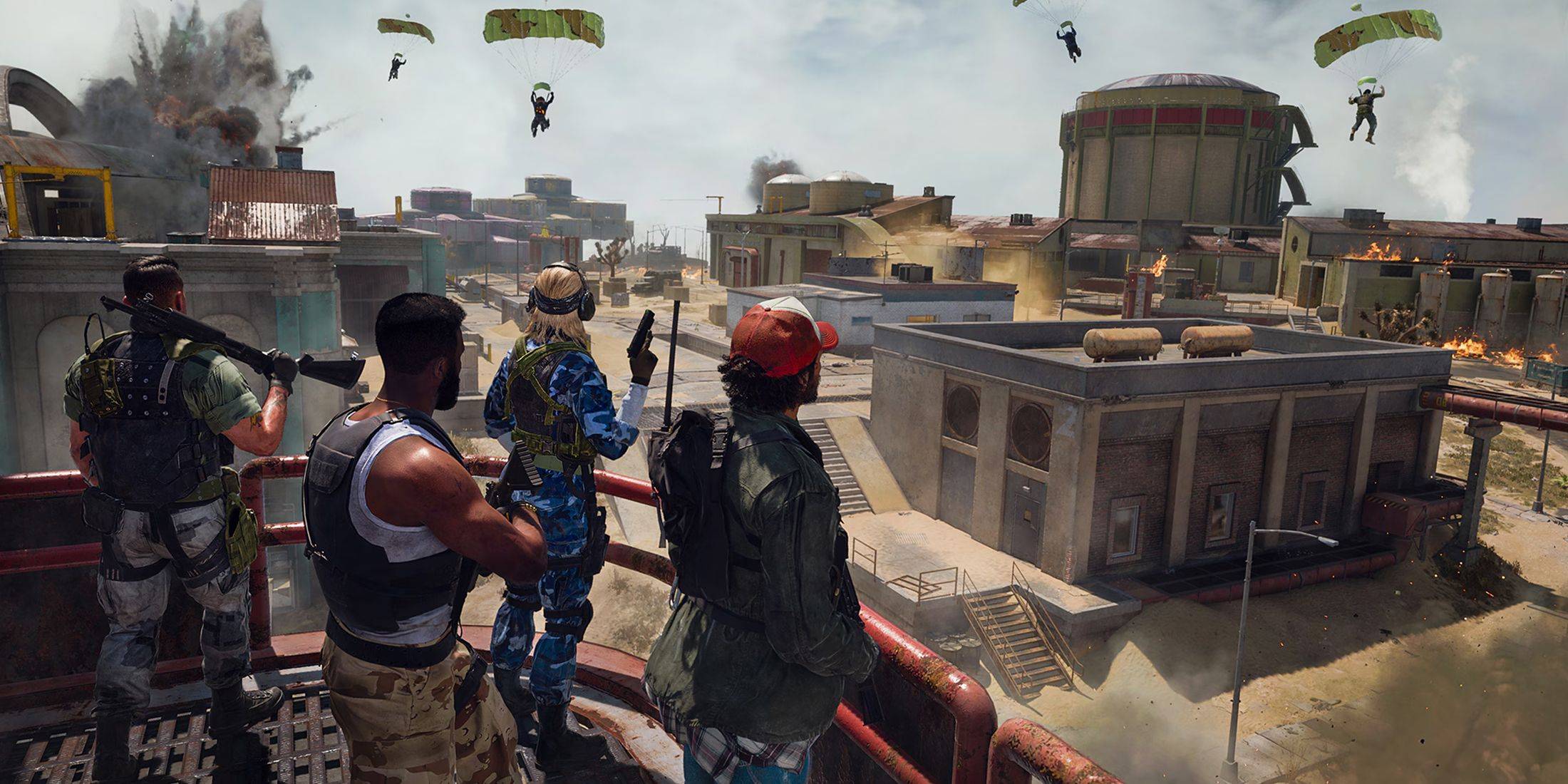
If experiencing Warzone connectivity issues, try these solutions:
- Game Updates: Ensure your game version is current by checking for updates through your platform's Call of Duty application
- Application Restart: Completely closing and relaunching Warzone can resolve minor issues, especially after updates
- Router Check: Inspect your router/modem connections and perform a hard reset if needed
- Network Test: Verify your internet connection stability regardless of using Wi-Fi or Ethernet
- Connection Method: Switching between wired and wireless connections may improve stability
 Latest Downloads
 Downlaod




 Top News